Download Link – https://mega.nz/folder/F2QAmABD#4Xcg5Mxw-1XryTDnE-VDxg
Sources
Footage Source (Special Thanks to u/cloudy0907 on Reddit) – https://archive.org/details/astartes-part-5-1746p-24fps-vp-9-lq-128kbit-aac
Alternate Archive (Not Used) – https://archive.org/details/astartes
Introduction
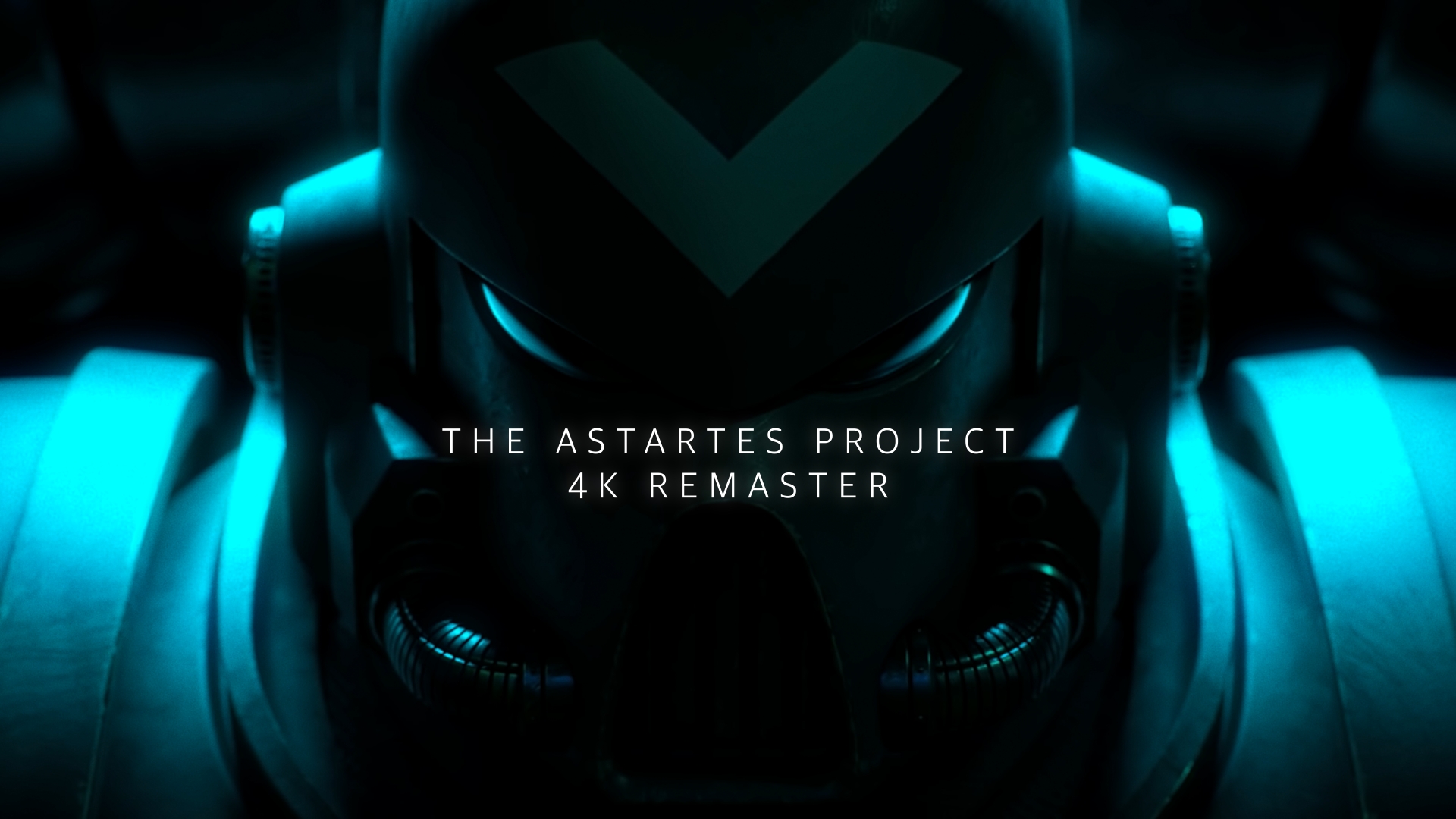
This is a 4K remaster of The Astartes Project. There are other versions of this on YouTube, but I wanted to do my own because I don’t think they fully capture the creative vision of the original. I’m not trying to call anybody out. I just genuinely wanted to make my own version of this. First, I had to track down the original uploads which was no easy task because every version I found was either really compressed or interpolated to 60 fps and upscaled with Topaz which I didn’t want. When I finally did find the original uploads (thanks to u/cloudy0907 on Reddit), parts 2 and 3 were at 1080 while the rest of them were 4K. I think this is how it was originally uploaded and compressed for YouTube because I found another archive with the same situation with parts 2 and 3. I think part 1 only exists in a higher resolution because it was re-uploaded due to an audio issue in the original upload (which was only 1080). This snapshot of the YouTube page has part 1 being released just before part 5 – https://web.archive.org/web/20210109135417/https://www.youtube.com/c/Astartes40k
The Remaster Process
First, I did not alter the frame rate. 24 frames per second is the most cinematic and filmic. This also has the original audio (except for part 1 which has the fixed audio from the later release). I had to deband the footage because it was clearly very compressed by YouTube. This was done on a shot by shot basis. Most of the shots did not have banding, but the shots that did have it were extremely noticeable (mainly dim/foggy wide shots). There is still some banding remaining, but it’s not as bad as the other versions on YouTube. I did not use Topaz to upscale this. I used traditional sharpening tools. This means there are no hallucinated details. I also added some very subtle film emulation effects such as halation, subtractive saturation (minus skin tones), chromatic aberration, and film grain. Most of this process involved applying an effect, and then dialing it back until it was just barely noticeable. Again, I did not want to alter the visual style too much. My goal with these film emulation effects was to trick your brain into seeing more detail because unfortunately, you can’t just magically add detail where there isn’t. In fact, some detail was probably lost in some shots during the debanding process, but like I said, I’m trying to capture a more filmic visual style not just purely increase detail. If anybody is aware of a higher quality source (that isn’t an AI upscale), please let me know. At the download link you can find the full quality version of this project untouched by YouTube compression as well as project files, and source files so you can check my work, or try your own version of this.